Telvonic SYSTEMS
What a shield box is for
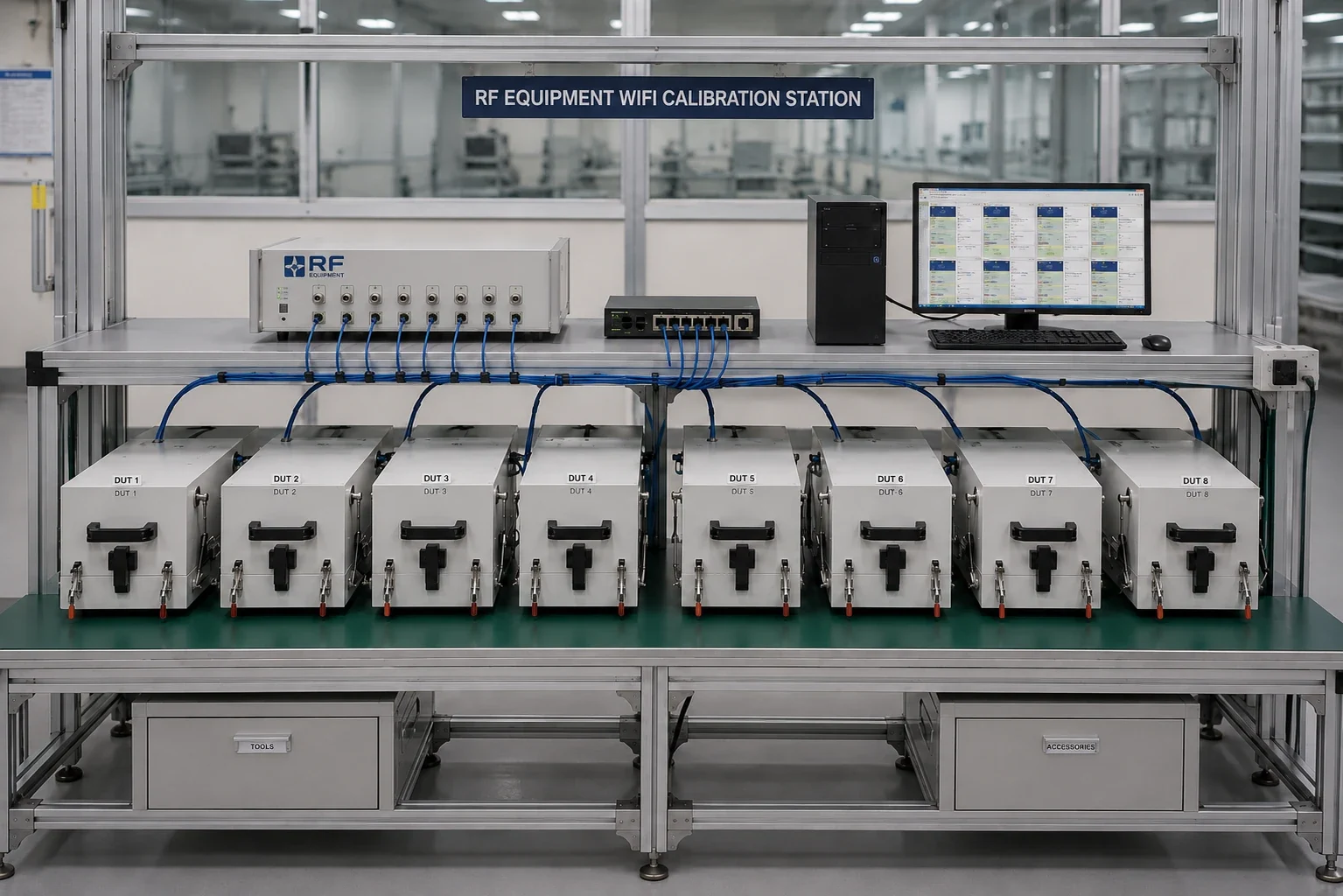
A factory floor is full of radio signals: neighbouring test stations, access points, phones and the devices you're testing. An RF shield box isolates each device under test so it only sees the test signal, and stops its own transmissions from disturbing the stations around it. Without enough isolation, receiver tests fail at random and results change with whatever is happening nearby.
How much isolation do you need?
Work it out from signal levels rather than picking the biggest number on a datasheet. The isolation you need is roughly the level of the strongest interferer at the box minus the level you can tolerate inside it.
Production shield boxes are commonly specified from around 70 dB to beyond 90 dB. Sensitivity-critical tests and densely packed lines need the higher end. Always read the figure at your highest frequency: isolation usually gets worse as frequency rises.
Frequency coverage
Wi-Fi 6E and Wi-Fi 7 use the 6 GHz band up to 7.125 GHz, so a box that only quotes isolation to 6 GHz isn't enough for them. Cellular FR1 bands used by CPE and modules generally sit below 6 GHz. Ask for an isolation curve across the whole range you test, not a single headline number. See also Wi-Fi 7 production testing.
Absorber lining and repeatability
Inside a bare metal box, signals reflect off the walls and create standing waves, so a small change in the device's position changes the reading. RF absorber lining damps these reflections. It matters most for over-the-air (antenna-coupled) measurements; conducted tests through cables are much less sensitive. For OTA work, combine absorber with a fixture that places the device in exactly the same position every time.
Interfaces: the weakest link
Every cable that passes through the wall is a potential leak, and the system is only as good as its weakest interface. Specify the full I/O panel up front:
- Filtered DC or AC power
- Filtered Ethernet (RJ45) and USB — or fibre, which carries no RF
- RF bulkhead feedthroughs (SMA or N-type) for conducted tests and antenna couplers
- Fibre feedthroughs for ONT testing
- Pneumatic and sensor connections for automated boxes
Manual or pneumatic?
Manual boxes — a lid with latches or toggle clamps — are low cost and suit R&D, repair and low-volume lines. Pneumatic boxes close with the same force every time, which improves repeatability, reduces operator fatigue and speeds up the cycle. They can be triggered by software or a foot switch, but need compressed air and safety interlocks. High-volume production usually justifies pneumatic operation.
If several devices share one box, check the isolation between positions, not just to the outside world.
Fixtures, couplers and device handling
A good fixture (nest) locates the device repeatably, gives access to conducted RF test points through pogo pins or RF connectors, and holds antenna couplers in a fixed position for OTA checks. Add strain relief so cables don't move as the lid closes — moving cables change path loss.
Keeping isolation over time
Conductive gaskets wear, get dirty and lose contact, and hinges and latches loosen. Isolation that measured well on day one can drop quietly months later. Verify isolation on a schedule with a signal source and analyser, or track golden-unit results for drift, and replace gaskets before they fail.
Shield box checklist
- Isolation target calculated from your interferer and test signal levels
- Isolation curve covers your full frequency range, up to 7.125 GHz for Wi-Fi 6E / 7
- Absorber lining for over-the-air measurements
- Complete filtered I/O panel specified up front
- Manual or pneumatic chosen to suit volume and repeatability
- Repeatable fixture with cable strain relief
- Isolation verification and gasket replacement schedule
How Telvonic helps
We supply and integrate manual and pneumatic shield boxes with fixtures and filtered I/O, as part of complete Wi-Fi, PON and cellular test stations — and rent them for pilot builds and peaks.